
Uploading Documents
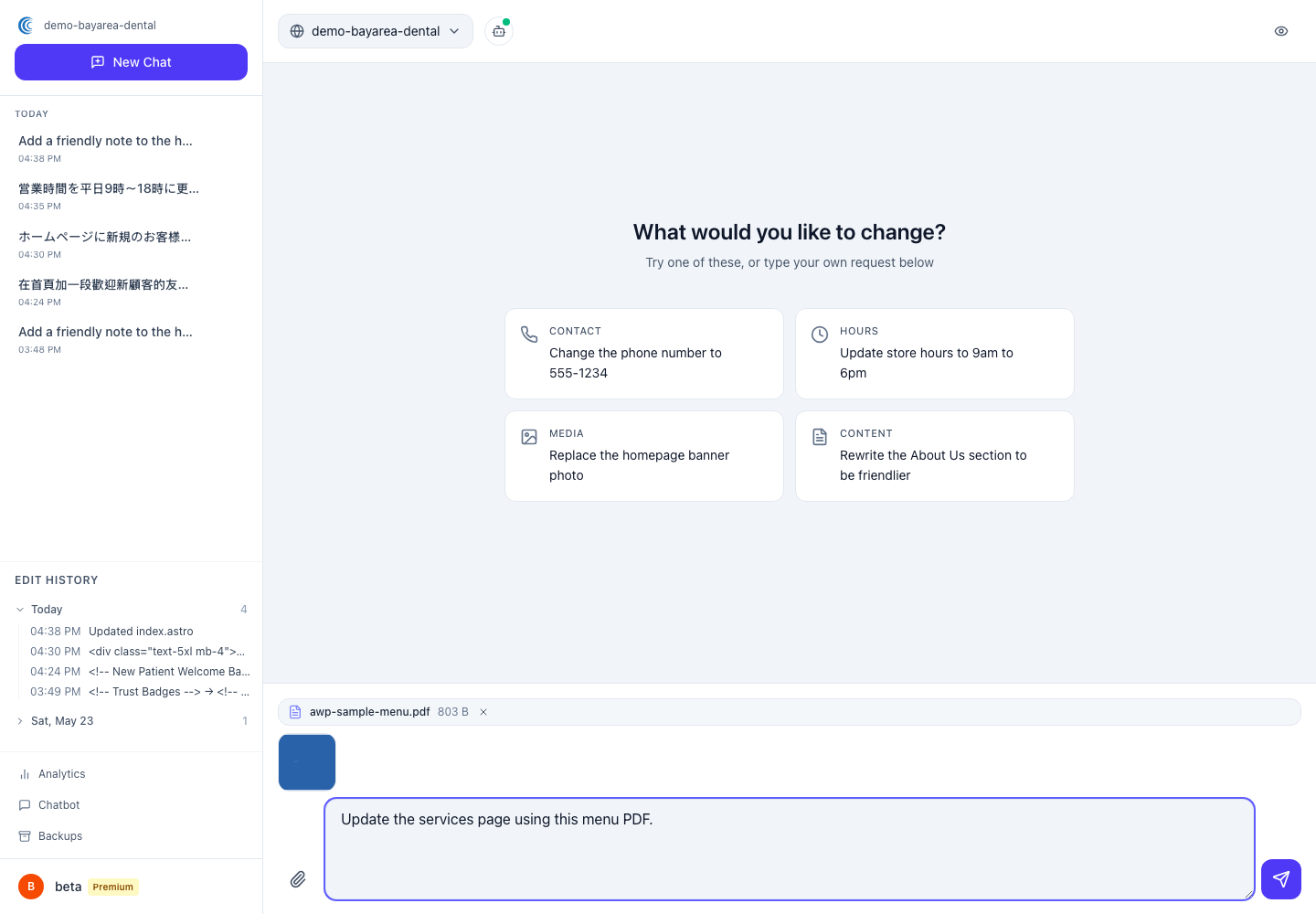
Sometimes the easiest way to update your site is to hand the AI the source document — your new menu, an updated price list, a brochure — and let it pull the details from there. Here’s how it works and what to expect.
#What you can upload
You can upload these file types, up to 10 MB each:
- PDF (
.pdf) - Word documents (
.docx) - Plain text (
.txt) - Markdown (
.md)
Attach a document the same way you attach a photo — the attach button in the chat message box. Then tell the AI what to do with it: “Here’s our new dinner menu — update the menu page to match this.”
#Where your files live, and for how long
- Your original file is stored privately for 90 days, so the AI can refer back to it if needed. After 90 days it’s automatically deleted.
- The text the AI read from it stays in your chat history permanently. So even after the original file is gone, your conversations about it stay intact and make sense.
#How much you can store
Your total document storage depends on your plan:
- Essential: 100 MB
- Professional: 500 MB
- Premium: 2 GB
#Your privacy
Your documents are kept in encrypted storage. They’re accessible only to you and the AI editor while it’s working on your requests. They are never shared with other customers.
#A good habit
Documents are great for one-time bulk updates — a seasonal menu, a new price sheet, an updated staff list. For small day-to-day tweaks, it’s usually faster to just type the change. See Changing Text & Images.